MODEL A
WaitingSDXL Detector
No analysis run yet
AI-generated—
Human-created—
IMAGE AUTHENTICITY, MADE SIMPLE ↗
Not everything online is what it seems. Explore a clearer way to check an image's watermark, origin, and possible AI-generated patterns.
Drag & drop or browse your files
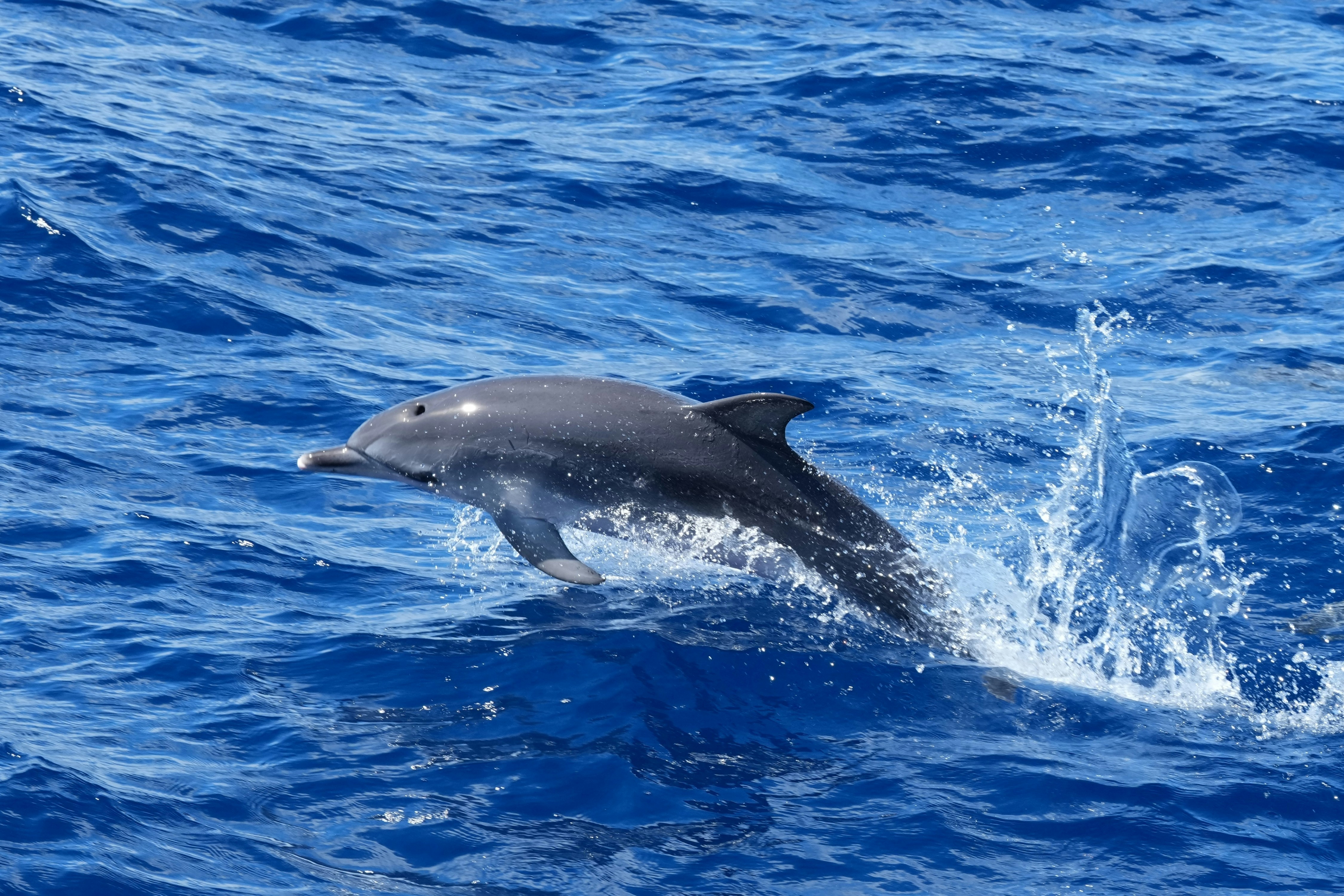
Illustrative results — not a real scan
* Sample values for design illustration only. No verification has been performed.
SAME IMAGE, SEPARATE RESULTS
Scores are model outputs, not proof of image origin. No combined score is calculated.
No analysis run yet
No analysis run yet
Choose an image and run one or both models to compare their results.
Not evaluated yet — labeled test data required.
Explore detection statistics and your recent analyses.
Use Google's official SynthID Detector to check for supported AI watermarks.
WHAT'S UNDER THE HOOD
One image. Several kinds of evidence. Each check tells a different part of the story.
SynthID is not checked automatically. Use the manual Google SynthID link below for supported images.
Manual checkInspect supported signed credentials and metadata for clues about an image’s history.
Source verificationEstimate whether image patterns are consistent with AI-generated content using a model.
Model-based estimateModel scores are estimates, and provenance declarations do not prove an image's origin. SynthID is a separate manual check.
THE PROCESS
A simple experience designed to make technical image checks easy to understand.
Try the interfaceSelect or drop a JPG, PNG or WebP image into the upload area.
The server checks signed Content Credentials and estimates image patterns with a machine-learning model.
See each check separately, including uncertainties and missing evidence.
WHY THIS MATTERS
As generated images become more convincing, people need better ways to understand where images come from. Our vision is to make technical origin signals readable for everyone.
GOOD TO KNOW
A few important things to understand about this preview and image verification.
No. It means a supported watermark was not detected. AI-generated images may not have any watermark at all.
Yes. When you choose Analyze, the image is sent to this server for model analysis and Content Credentials verification. Model predictions are estimates, not proof.
The interface accepts valid JPEG, PNG and WebP images up to 2 MB. The server also limits image dimensions.
The server temporarily stages the image for analysis and removes it afterward. Only the prediction scores are stored in the database.
READY TO EXPLORE?
Try the upload experience and take a look at the sample analysis layout.